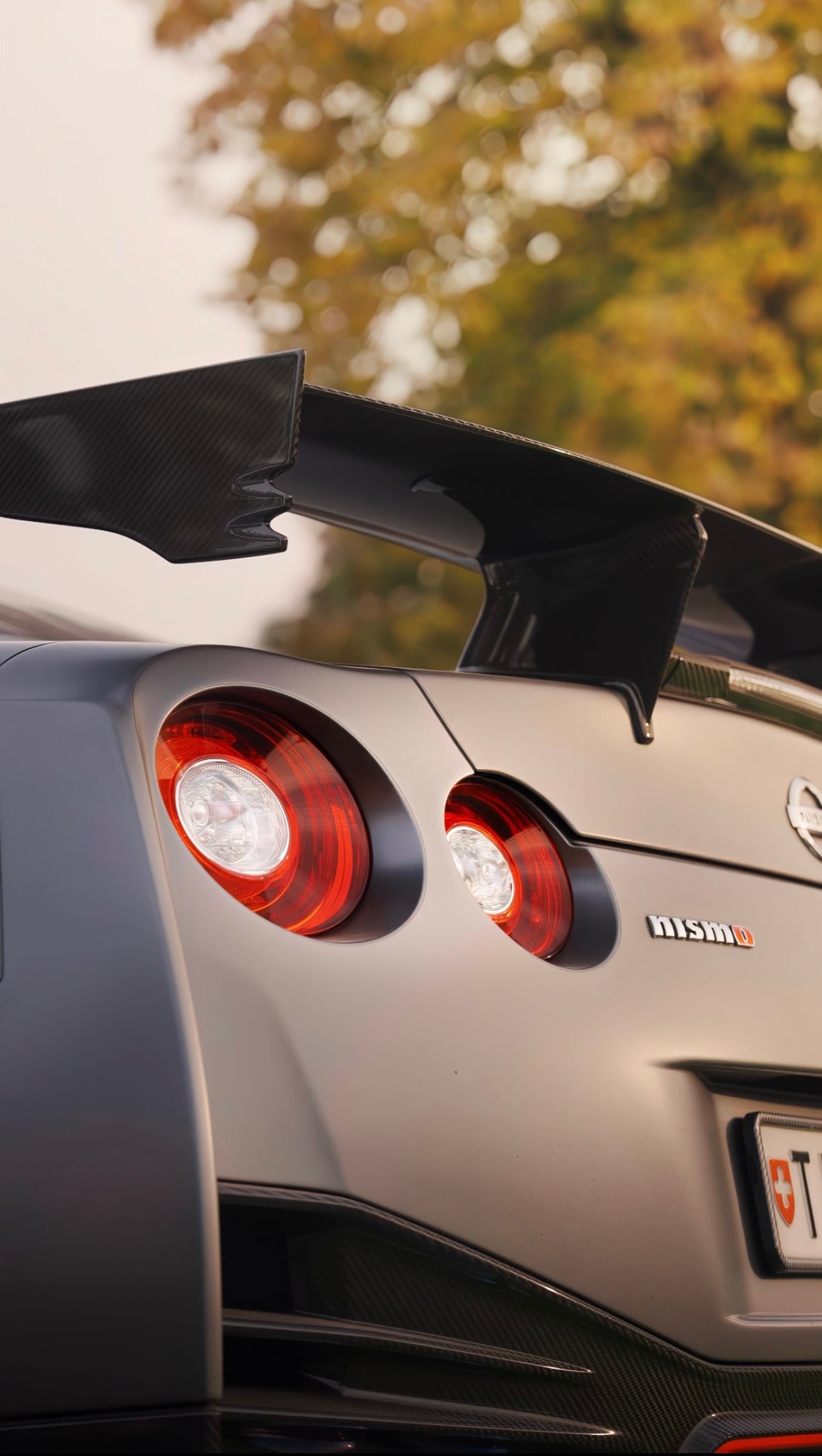
Cinematic Speed Ramps in CapCut PRO 🎬
Control Time ⏱️. Shape Motion 🎥. Hit With Impact 💥.
Speed ramping isn’t about making clips faster or slower.
It’s about timing, rhythm, and emotional impact.
This Cinematic Speed Ramps in CapCut PRO tutorial teaches you how to use speed changes intentionally — to accent movement, enhance transitions, and make your edits feel fluid and professional ✨.
If your speed ramps feel random, jarring, or TikTok-cheesy… this fixes that.
Master Cinematic Speed Ramping in CapCut PRO 🚀
You’ll learn how to:
-
Design speed ramps that follow movement and camera motion
-
Time acceleration and slow-downs for maximum visual impact 🎯
-
Use speed ramps to enhance transitions instead of hiding bad cuts
-
Keep motion smooth and natural — no stutters, no jitter
Every ramp serves a purpose. No randomness.
Advanced Techniques Used in High-End Edits 🎞️
This is where your edits separate from average creator content.
You’ll master:
-
Advanced speed curve control inside CapCut PRO
-
Beat-synced ramps that feel musical 🎵, not forced
-
Motion-based ramps for cars, sports, and cinematic b-roll
-
How to combine speed ramps with motion blur for realism 🌊
These are the techniques that make edits feel expensive.
✔ What You’ll Master ✅
-
Professional Cinematic speed ramping workflows in CapCut PRO
-
Smooth, cinematic acceleration and slow-motion control
-
Timing speed changes for emotion and flow ❤️🔥
-
A repeatable system for clean, impactful edits
Built for creators who want precision, not gimmicks 🧠
If you want your edits to flow, hit harder, and feel intentional, this is the upgrade.
Cinematic Speed Ramps in CapCut PRO
No gimmicks ❌. No chaos ❌. Just control 🎯.